
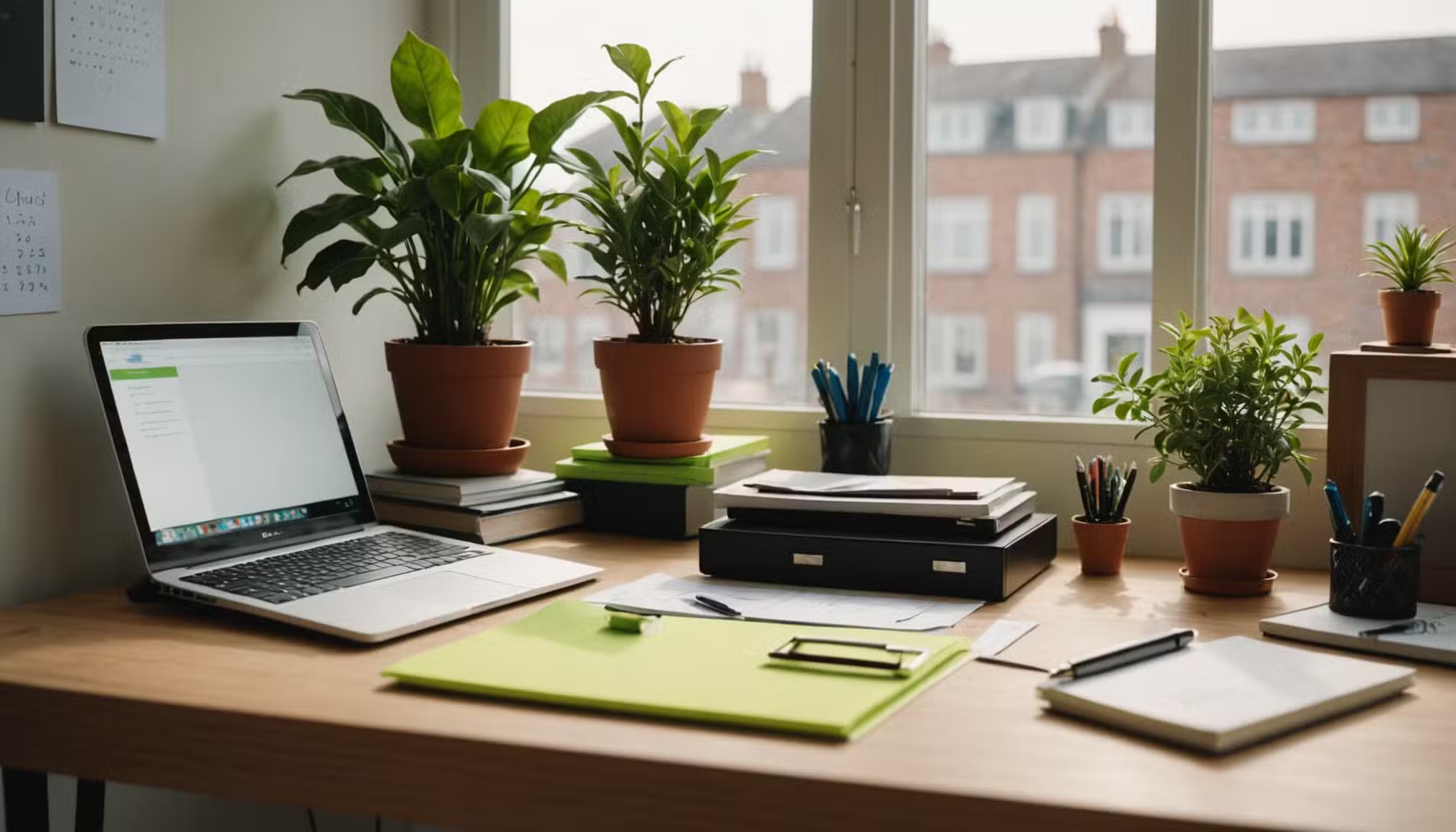
A messy office does more than make a room look tired; it quietly steals decisions before the work even starts. The best office organization ideas are not about buying matching bins or copying a perfect desk from social media. They are about removing small points of friction that slow you down every day. For a small business owner in Dallas, a remote worker in Ohio, or a busy office manager in Atlanta, workflow usually breaks in plain sight: scattered papers, half-charged devices, crowded drawers, and tools that never sit where the hand expects them. A clean system gives your brain fewer side jobs. That matters when your work already demands judgment, speed, and follow-through. Even your brand presence, from your office habits to your public communication through trusted business visibility, improves when your workspace supports clear action. Good organization does not make work effortless. It makes the next step obvious, and that is where better days begin.
Easy Office Organization Ideas That Protect Your Daily Focus
A productive office starts with attention, not storage. Many people buy containers before they understand what keeps interrupting them. That is backward. You need to study where your focus leaks first, then build a layout that closes those gaps without making the room feel stiff.
Desk Organization Tips That Remove Daily Friction
A desk should hold the work you are doing now, not proof of every task you might do someday. The surface needs a tight job: laptop, notebook, pen, water, and one active document if paper still drives part of your day. Everything else should earn its spot or leave.
Strong desk organization tips begin with reach. Items used every hour stay within arm’s length. Items used once a day sit nearby but off the main surface. Items used once a week belong in a drawer, cabinet, or labeled shelf. That simple distance rule keeps your desk honest.
A common mistake in American home offices is treating the desk as storage because the room lacks a better system. Receipts, chargers, mail, sticky notes, earbuds, and random packaging end up in a pile with no clear owner. The desk becomes a waiting room for decisions you avoided.
Give every loose item one of four homes: active work, reference, supply, or trash. A Denver consultant might keep client notes in one tray, tax receipts in a folder, cords in a drawer pouch, and old envelopes in recycling. The fix feels small, but the mind relaxes when objects stop shouting for attention.
Create Zones Before You Buy Another Organizer
Zones beat containers because zones explain behavior. A container only hides clutter if the workflow behind it stays broken. A good office has a work zone, a supply zone, a paper zone, a tech zone, and a reset zone where unfinished items wait without spreading.
This is where office storage solutions need a purpose. A rolling cart beside a printer works well if printing happens often. It fails if the printer sits across the room and the cart becomes a snack shelf, return pile, and charger graveyard. Placement decides whether storage supports work or collects guilt.
Counterintuitive truth: the neatest office can still waste time if the zones fight the way you move. A file cabinet behind your chair may look proper, but if you never turn around to use it, papers will pile on the desk. Put systems where your habits already go.
A small law office in Phoenix, for example, may need a document intake tray near the door, not near the computer. A freelance designer in Brooklyn may need a sample shelf within sight because visual decisions drive the job. The best zone is not the prettiest one. It is the one you will use when tired.
Build Storage Around Real Work, Not Perfect Photos
Storage should reduce motion and decision fatigue. Too many offices fail because they copy showroom order instead of daily use. Real work has receipts, notes, devices, cables, coffee, mail, pens that disappear, and paper that arrives at the worst moment.
Office Storage Solutions for Small and Shared Spaces
Small offices need vertical thinking. Walls, shelves, pegboards, drawer dividers, and slim cabinets can carry more weight than floor space. A spare bedroom office in a Boston apartment may not have room for a large bookcase, but it can still hold files above the desk and supplies inside a narrow side unit.
Good office storage solutions also separate shared items from personal items. In a small agency or family business, shared paper, printer ink, labels, batteries, and envelopes should sit in one clearly marked area. Personal notebooks and client materials should stay apart so nobody wastes time asking where things belong.
Shared offices need labels that sound plain, not clever. “Printer Paper,” “Client Files,” “Outgoing Mail,” and “Tax Records” beat cute labels every time. People use storage faster when they do not have to decode it.
There is one catch. Storage that is too hidden often becomes dead space. Deep cabinets, stacked bins, and unlabeled boxes make items vanish. Use clear bins for backup supplies and shallow drawers for daily tools. The easier something is to see, the less often you buy duplicates.
Paper Clutter Control Without a Complicated Filing System
Paper clutter control starts with speed. Papers pile up when the next action is unclear. A bill, contract, receipt, school form, invoice, or handwritten note needs a quick path before it lands on your desk and blends into the background.
Build a three-step paper station: act, file, scan. “Act” holds papers that need a response. “File” holds records you must keep. “Scan” holds papers that can become digital and leave the room. This keeps paper from turning into one giant emotional category called “later.”
A small business owner in Florida might process vendor invoices every Friday, scan paid receipts into cloud folders, and file only documents needed for taxes or legal records. That rhythm keeps paper moving. Without rhythm, even a beautiful tray becomes a museum of postponed choices.
Paper clutter control also depends on deadlines. Write the next action directly on the top corner: “pay by June 18,” “call supplier,” “upload to payroll,” or “sign and return.” A paper with a next step is work. A paper without one is anxiety wearing a white shirt.
Shape the Workspace So Productivity Feels Natural
The physical setup of your office changes how you behave. People talk about discipline as if it lives only in the mind, but the room has a vote too. A workspace that keeps useful tools visible and distractions slightly harder to reach can shift an entire workday.
Workspace Productivity Starts With Fewer Decisions
Workspace productivity improves when the room answers basic questions before you ask them. Where do incoming papers go? Where is the charger? Where do notes live after a call? Where does unfinished work wait overnight? Each unanswered question burns attention.
A clean workspace does not mean empty. It means the visible items match the work happening today. A sales rep in Chicago may need a call sheet, headset, CRM notes, and a water bottle. A bookkeeper in Charlotte may need a calculator, receipt scanner, and current client folder. Different work deserves different surfaces.
The hidden cost of clutter is not only visual. It creates repeat decisions. You decide where to put the same notebook five times. You search for the same adapter twice a week. You reread the same sticky note because it never became a task. That is not harmless mess. That is unpaid labor.
For digital work, workspace productivity also depends on the screen. Keep the desktop clean, use named folders, and close tabs that do not support the task. A cluttered laptop can ruin a clean desk. The mess moved; it did not leave.
Use Visual Cues That Pull You Back Into Flow
Visual cues work because they lower the energy needed to resume. A whiteboard with three daily priorities can save a morning from drifting. A labeled inbox tray can catch loose documents before they scatter. A small charging dock can stop devices from dying during calls.
The trick is restraint. Too many visual cues become wallpaper. One calendar, one task board, and one paper intake spot can beat five apps, seven sticky notes, and a wall full of color-coded pressure.
A useful cue should answer one question. A wall calendar answers, “What dates matter?” A tray answers, “Where does incoming paper go?” A notebook answers, “Where do rough thoughts land?” When a cue has one job, the brain trusts it.
The unexpected part is that beauty helps, but only after function works. A warm lamp, a plant, or a framed print can make a workspace feel calm. Yet none of those will rescue a broken system. Set the bones first. Add personality after the room can carry the work.
Keep the System Alive After the First Cleanup
Organization fails when people treat it as a weekend project instead of a maintenance habit. A clean office on Sunday can turn into a paper storm by Thursday if there is no reset built into the week. The real win is not the big cleanup. It is the small return.
Weekly Resets Beat Once-a-Year Office Makeovers
A weekly reset gives your office a pulse. Pick one time, such as Friday afternoon or Monday morning, and spend 20 minutes returning items to their homes. Empty the trash, clear the desk, process paper, refill supplies, and review what no longer belongs in the room.
This habit works because it catches clutter while it is still light. A few receipts, two coffee mugs, and a stack of notes are easy to handle. Three months of paper and tangled cords feel personal. The longer clutter sits, the more meaning people attach to it.
A marketing coordinator in Seattle might use Friday’s final half hour to archive project notes, update next week’s priority board, and reset the desk for Monday. That small closeout creates a clean start without pretending Monday will arrive with extra patience.
Weekly resets also reveal what your system is hiding. If the same pile returns every week, the pile is not the problem. The missing home is. Fix the home, and the pile stops asking for attention.
Better Workflow Comes From Rules You Can Keep
Better workflow depends on rules that survive busy days. A perfect system that only works when life is calm is decoration. A useful system works when a client calls early, the printer jams, the kids need a ride, or the team meeting runs long.
Keep the rules plain. Clear the desk before leaving. Process mail once a day. Store cables in one drawer. Keep only one active notebook. Scan receipts every Friday. Replace supplies before they run out. These rules do not sound exciting, but they protect the day from slow leaks.
The best office organization ideas also respect personality. Some people need open shelves because hidden items disappear from memory. Others need closed cabinets because visible items create stress. The goal is not to force one style on every worker. The goal is to make the room match the person doing the work.
A better office does not nag you. It guides you. When your tools sit where your habits can find them, your paper has a path, and your reset happens before chaos hardens, work feels less like pushing through mud. Start with one surface today, then give every item a home it can return to tomorrow.
Frequently Asked Questions
What are the best office organization ideas for a small room?
Start with vertical storage, a clear desk surface, and one paper station. Small rooms fail when every item sits at eye level or on the floor. Use shelves, wall pockets, drawer dividers, and slim carts so the room holds work without feeling crowded.
How do I organize my office desk for better focus?
Keep only active work on the desk. Store daily tools nearby, weekly tools in drawers, and backup supplies away from the surface. A focused desk gives your brain fewer distractions and makes the next task easier to begin.
What office storage solutions work best for remote workers?
Remote workers usually need a mix of closed storage and visible daily tools. Use a file box for records, a drawer tray for supplies, a charging station for devices, and one shelf for work materials that must stay separate from household items.
How can I reduce paper clutter in my office?
Give paper a path as soon as it enters the room. Use three spots: act, file, and scan. Add a deadline or next step to anything that needs action, then process the station at least once a week.
How often should I reset my home office?
A weekly reset works for most people. Spend 15 to 20 minutes clearing the desk, sorting paper, removing trash, returning supplies, and preparing the next workday. A short reset prevents clutter from becoming a full cleanup project.
What should every organized office include?
Every organized office needs a clear work surface, a paper intake spot, labeled supply storage, a trash or recycling bin, a charging area, and a simple place for active tasks. These basics keep work moving without adding extra decisions.
How do I organize office supplies without buying more furniture?
Group supplies by use, then remove duplicates before buying anything. Drawer dividers, small boxes, jars, pouches, and repurposed containers can organize pens, clips, cords, stamps, labels, and sticky notes without adding another cabinet.
Why does office organization improve workflow?
Organization improves workflow because it removes repeat decisions. You spend less time searching, sorting, and shifting clutter before work begins. When tools, papers, and tasks have clear homes, your attention stays on the work that matters.